Your first MVP
GuidedBuild a materiality matrix with Claude Code and learn the workflow.
OpenSame matrix, and you scope the task you want off your desk.
From a task you do by hand to a tool your team runs on. Six weeks. No coding background.
Cohort 3 starts Monday 2 November 2026. No payment at this stage.
Real tools, shaped like their organisation. Not demos.
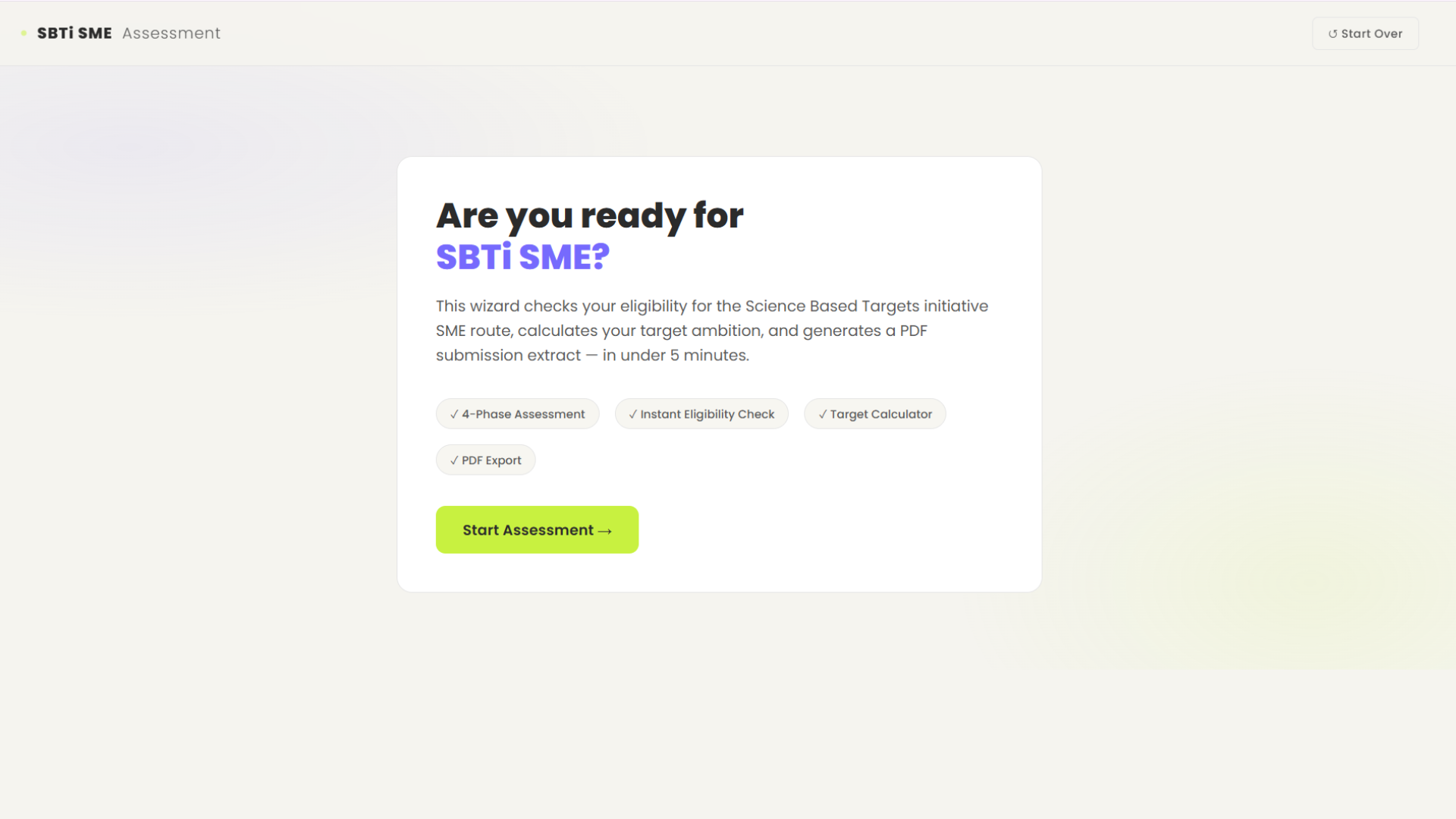
A wizard that checks SBTi SME eligibility, calculates target ambition, and exports a submission PDF in minutes.
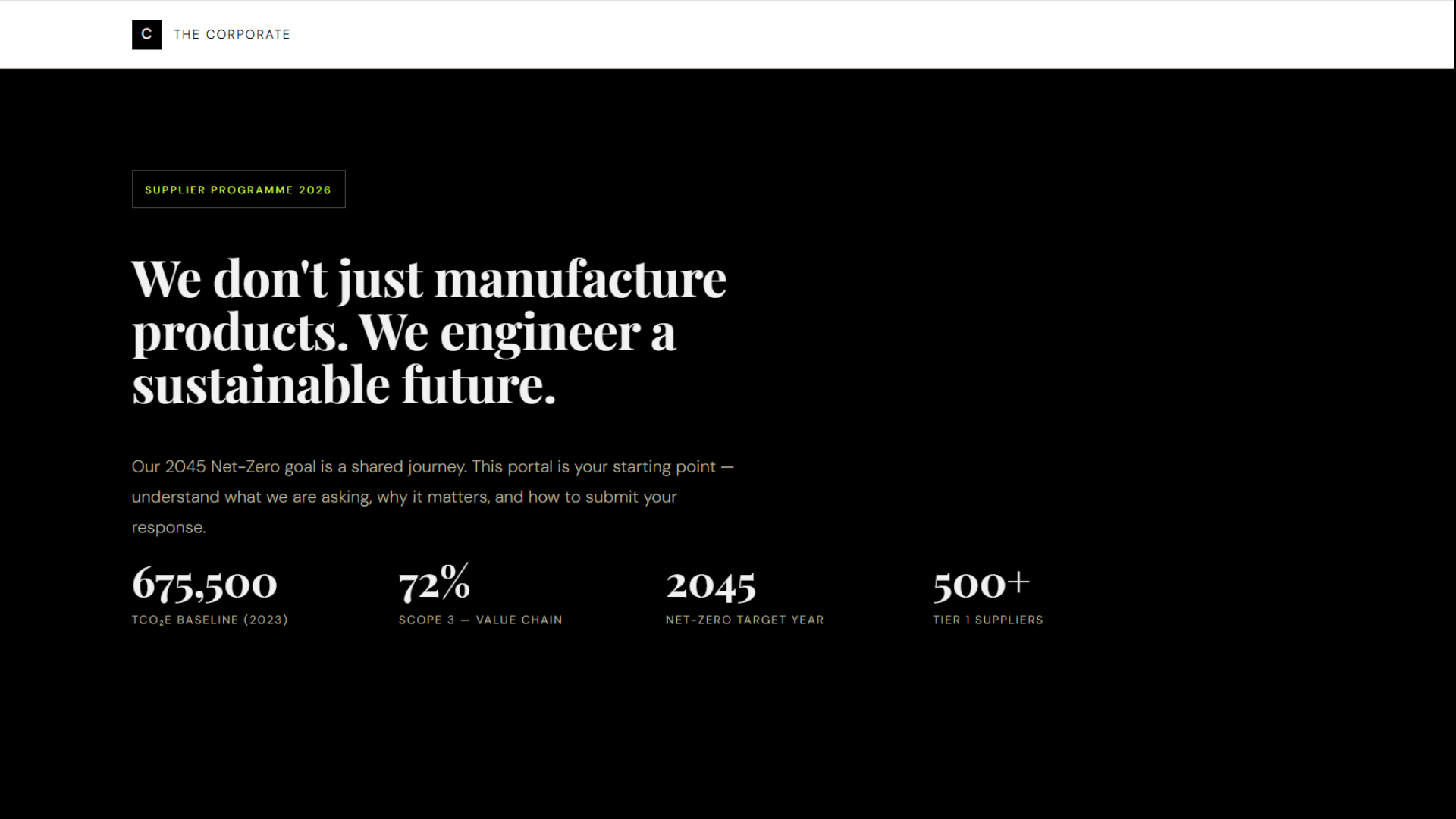
A portal that onboards suppliers into your net-zero programme and walks them through what to submit and why.
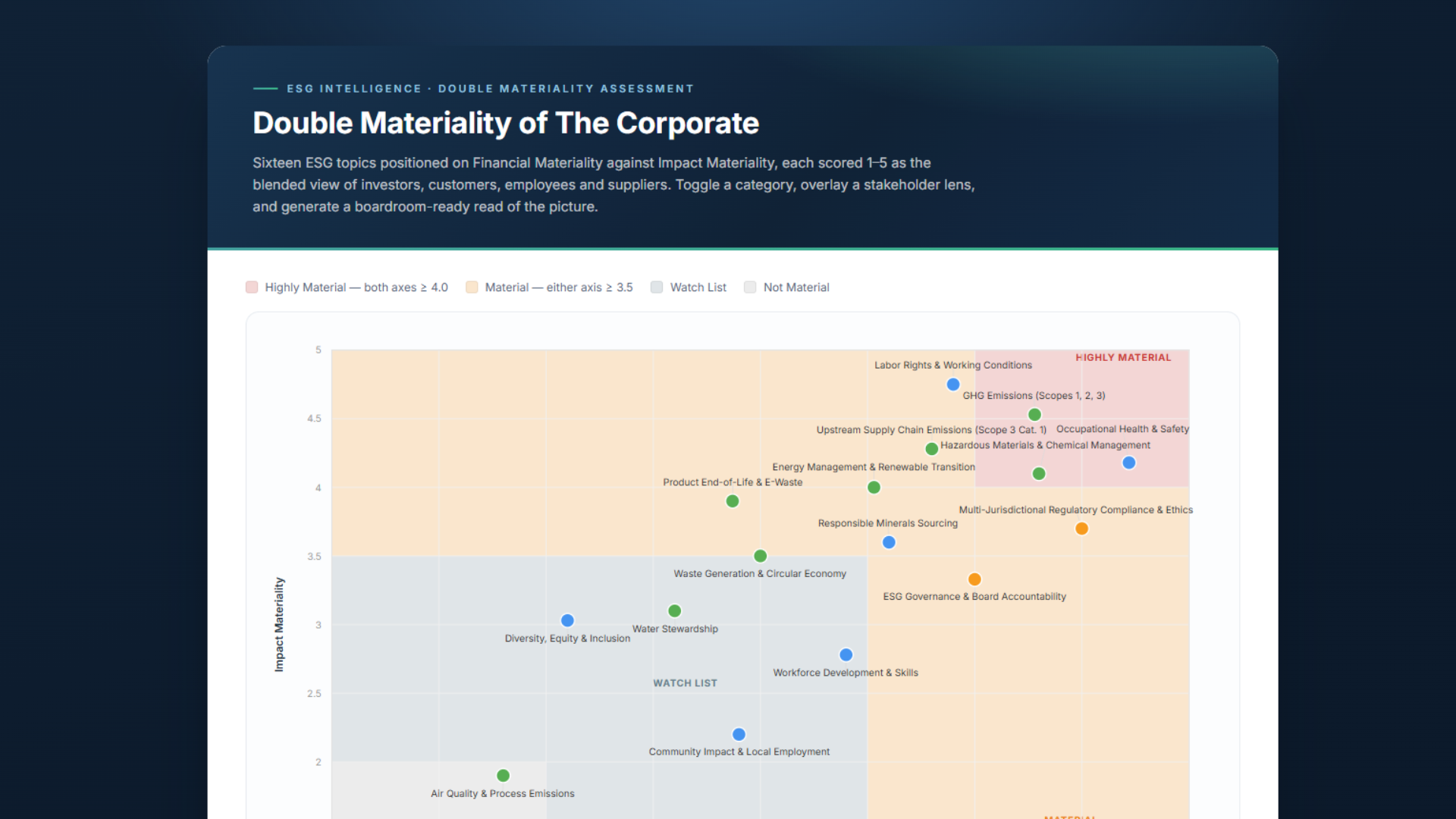
An interactive matrix that plots impact vs. financial materiality across E, S and G by stakeholder.
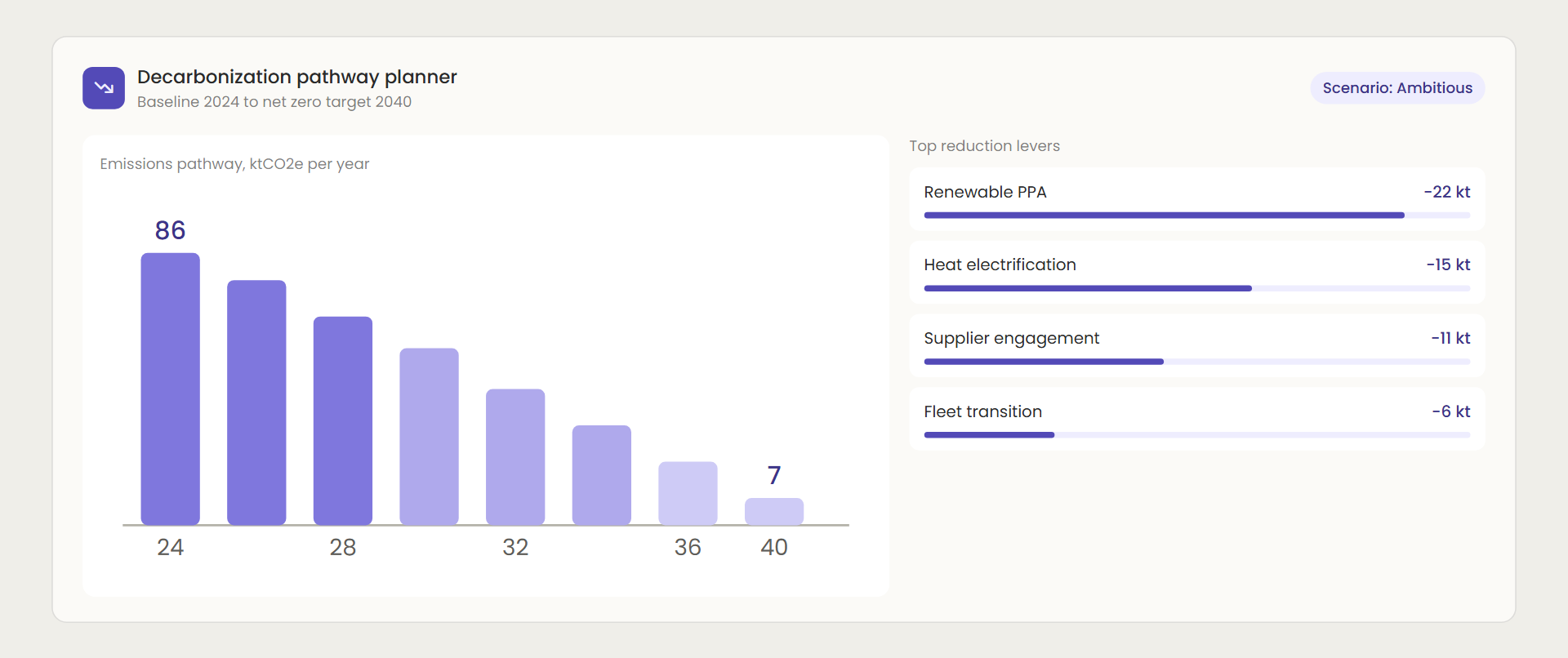
Maps emission reduction levers against cost and timeline to build a credible net-zero roadmap.
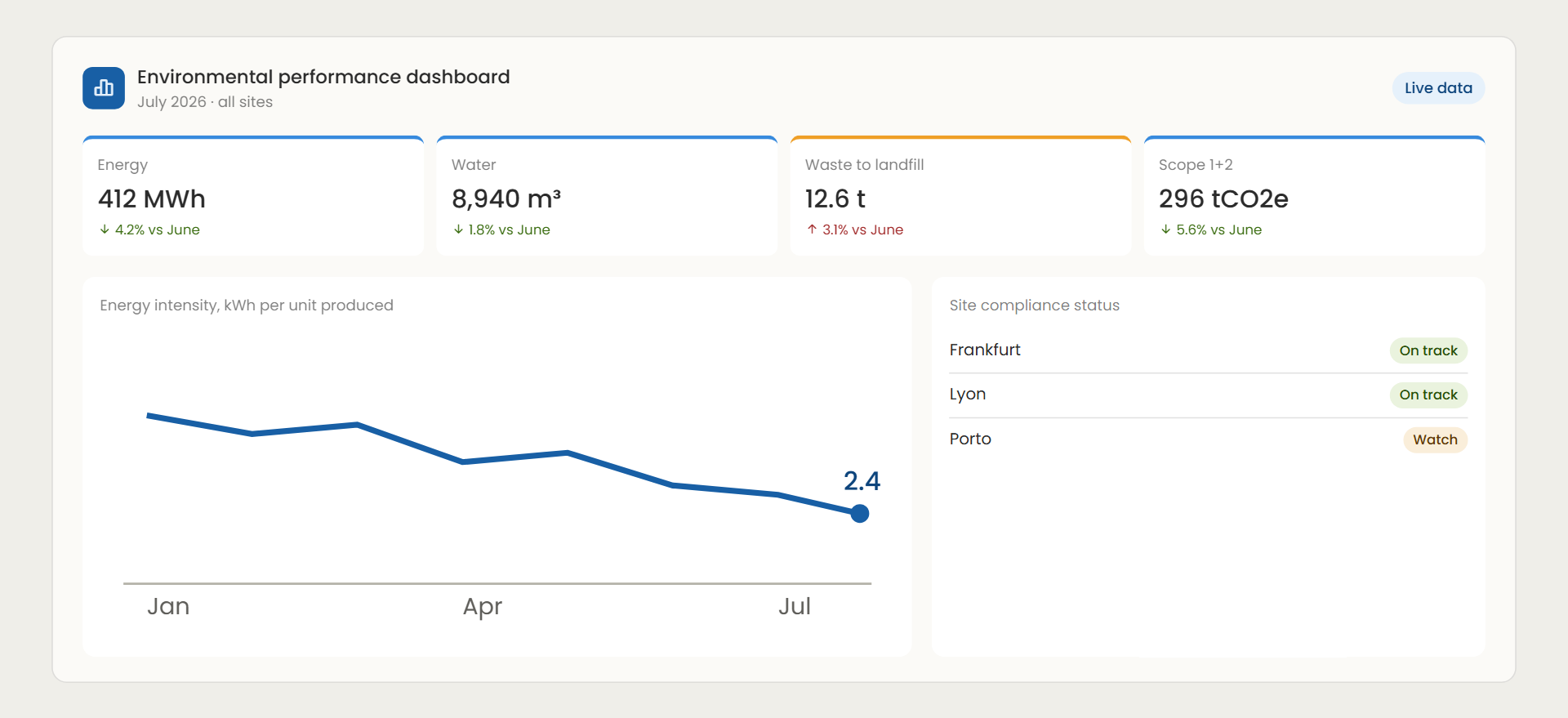
Tracks energy, water, waste and emissions KPIs in one live view for internal reporting and board updates.
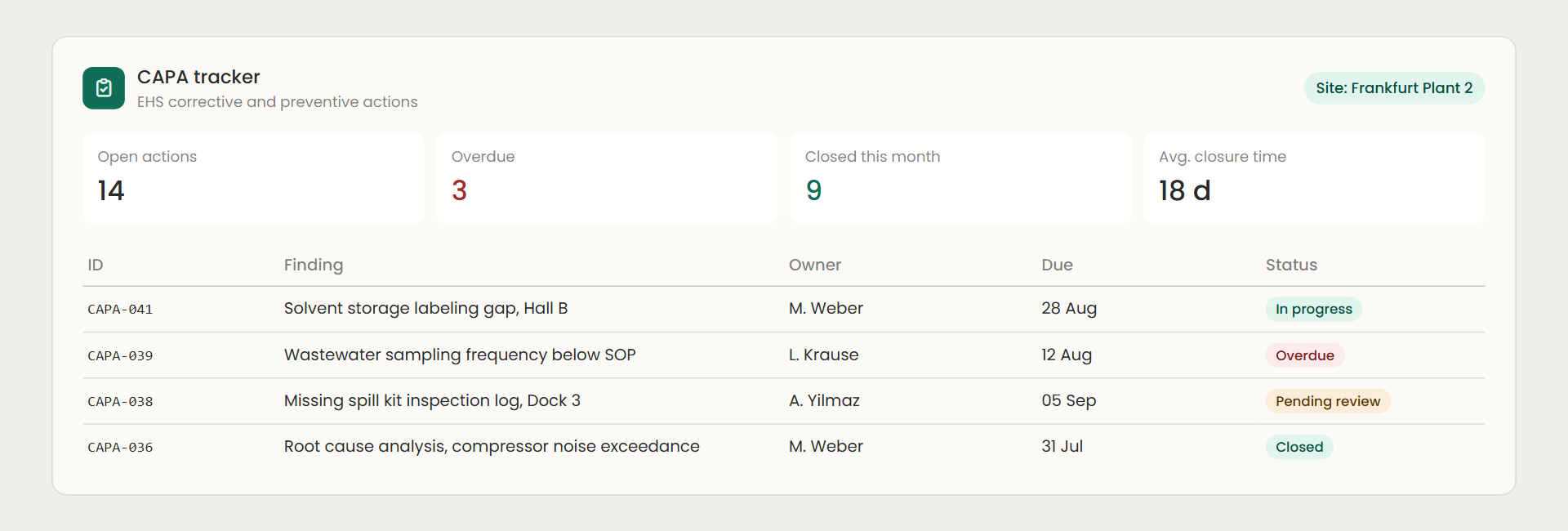
Logs EHS findings, assigns corrective actions, and tracks closure status against deadlines.
You know exactly which task eats your week. The supplier data you chase every quarter, the report you rebuild from scratch, the spreadsheet only you understand. You have raised it. It went into the IT queue behind finance and sales, and your year ends in Excel again.
In the Lab you stop waiting. AI is your developer, you direct it, and in six weeks that task becomes a working tool with a database, login and access rules. You hand IT the documentation they need and the team moves from the queue to the decision.
You leave with a tool your team is allowed to use, and the reputation as the person who can build the next one.
See how Dr. Christian Kaiser did it →You know exactly which deliverable eats your margin. The materiality visual that takes three days, the assessment you rebuild for every client, the checklist that lives in your head. You have thought about a platform. Building one means becoming a software company, and buying one means selling someone else's product.
In the Lab you build the small tool your niche actually needs, for your exact regulation and your exact client. Your clients' choice stops being software with zero support or a consultant with a spreadsheet. It becomes your tool, with you sitting next to it.
You leave with a tool your clients run on, and an offer no platform can copy.
See how Sami Homsi did it →Most AI tools built inside companies fail for one reason: no scope, no method, just prompting and hoping. We flip the order.
Where the six weeks go
How software used to get built
Build was the bottleneck, so everyone waited for a developer.
Your six weeks in the Lab
Build is the easy part now. What decides whether the tool gets used is the thinking before it and the rigour after it. That is where you spend your time, and that is what we teach.
The same shift shows up in how software teams now work with AI. We apply it to sustainability tools.
AI writes the code. It cannot do your job. That is the whole point.
Weeks 1 and 2, you learn the workflow and define your tool. Weeks 3 to 6, you take one tool to production. Cohort 3 starts Monday 2 November 2026.
GuidedBuild a materiality matrix with Claude Code and learn the workflow.
OpenSame matrix, and you scope the task you want off your desk.
GuidedSupplier portal V1. Change the spec, rebuild the difference, test again. Version control from here.
OpenYour tool V1. Scope locked by Friday.
GuidedThe portal remembers: registrations and submissions in your own database.
OpenYour tool gets its database.
GuidedPut the door on the portal: who submits, who reviews.
OpenWho gets in to your tool, and how.
GuidedDifferent users see different screens. Rules enforced in the database, not just displayed.
OpenYour roles, your views, enforced.
GuidedPortal live with the handover package.
OpenYour tool live, demo day, and it stays yours.
Both paths follow the same steps in the same week. You choose on the fit call.
Both paths. Yours to keep.
Turning a process into a buildable spec.
A tool that remembers.
Who gets in, and what they see.
A package IT can say yes to.
You learn the week's step with a live build, on your own machine. Not a webinar.
Everyone shows what they built and gets direct feedback. Live only, not recorded.
One hour, purely to get you unstuck. If nothing is stuck, skip it.
A closed community of current cohort and alumni. Questions answered within one working day. A self-paced library covers the details, so live sessions stay on building.
Most people finish Week 6 with a working tool, tested, documented and doing the job it was built for. If you attend the live sessions and by Week 6 your tool still does not meet the scope you locked in Week 2, we keep working with you in the Thursday office hours until it does. No extra cost. No re-enrolling.
The guarantee asks for attendance, not talent or a technical background.
The form takes under two minutes. No payment at this stage.
30 minutes. We confirm the fit and choose your path. If it is not a match, we say so, and you still leave knowing what to build first.
You receive the invoice. Your seat is confirmed once it is paid. Then a short recorded onboarding before your first Monday.
Need employer approval first? Tell us on the fit call. We hold your seat for 14 days.
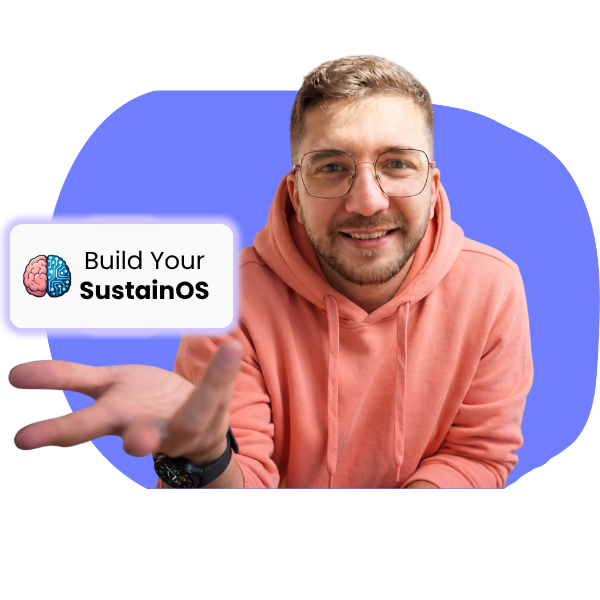
I'm Zyad Hatquai. I'm not a developer. I built software myself, then helped other sustainability managers build theirs: emissions calculators, environmental reporting, supplier tracking, materiality assessments. None of them are developers either.
Zyad Hatquai · Founder, SustainOS · Chemical engineer and corporate sustainability manager who learned AI by applying it to his own work first.
EUR 2,000 per seat, invoiced to you or your company. An invoice formatted for reimbursement is available.
Two years or more in sustainability, a laptop you can install software on, a Claude subscription (Pro, about EUR 20 a month) and free GitHub, Supabase and Netlify accounts. No coding background.
2.5 hours live a week (Mondays and Fridays) plus an optional one-hour Thursday office hour, plus 1 to 2 hours of build time on the Guided Path, 6 to 8 hours a week on the Open Path.
Mondays 16:00–17:00, an optional one-hour Thursday office hour (time TBA), and Fridays 16:00–17:30 Central European Time. Fridays are live only and not recorded. Check the times work for you before applying.
Open if you already know the task you want off your desk. Guided if you want to learn the method on a known case first. Decided together on the fit call.
The Guided Path uses a synthetic case company. On the Open Path you use anonymised or sample data on your own accounts. Week 6 covers hosting, data protection and the IT handover before real data.
Form, 30-minute fit call, seat offer with invoice, and your seat is confirmed on payment. Need employer approval? We hold the seat for 14 days. Then a short recorded onboarding before Week 1.
If you attended the live sessions and the tool still does not meet the scope locked in Week 2, we keep working with you in the Thursday office hours until it does. No extra cost, no re-enrolling.
Yes. This is exactly what training and professional development budgets are for, and most of that money goes unused every year. You leave with a working tool the team runs on and the documentation IT needs, which is a better case than most conference trips. Two documents make the request easy: the Employer Support Letter, a four-page program summary written for managers and HR, and the Reimbursement Guide, with the steps, the answers to the questions your manager will ask, and a sample email. Need approval before you enrol? Tell us on the fit call and we hold your seat for 14 days. We also answer your manager's questions directly.
Whether you're in-house and tired of waiting for a turn that isn't coming, or a consultant upgrading what you offer, the path is the same. Six weeks. One tool your team or your clients run on. Your tool, your skill, no dependency on IT or budget.
Cohort 3 · starts 2 Nov 2026 · 16 seats